Live counter
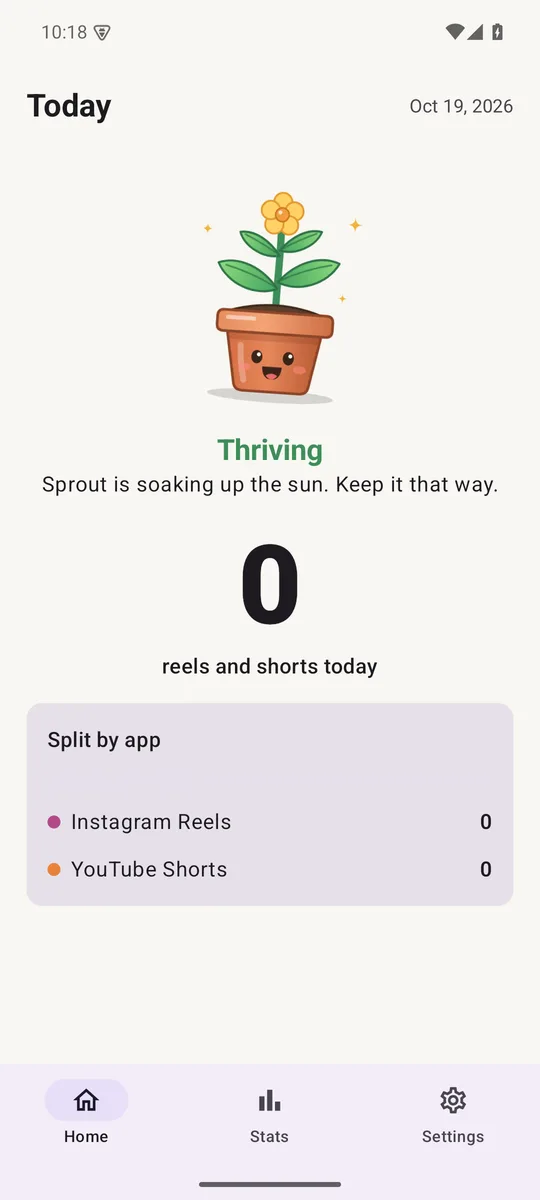
Every new Reel and Short adds one, as you swipe. Scrolling back to one you already saw doesn't count twice.
 Unreel
For Android · Instagram Reels & YouTube Shorts
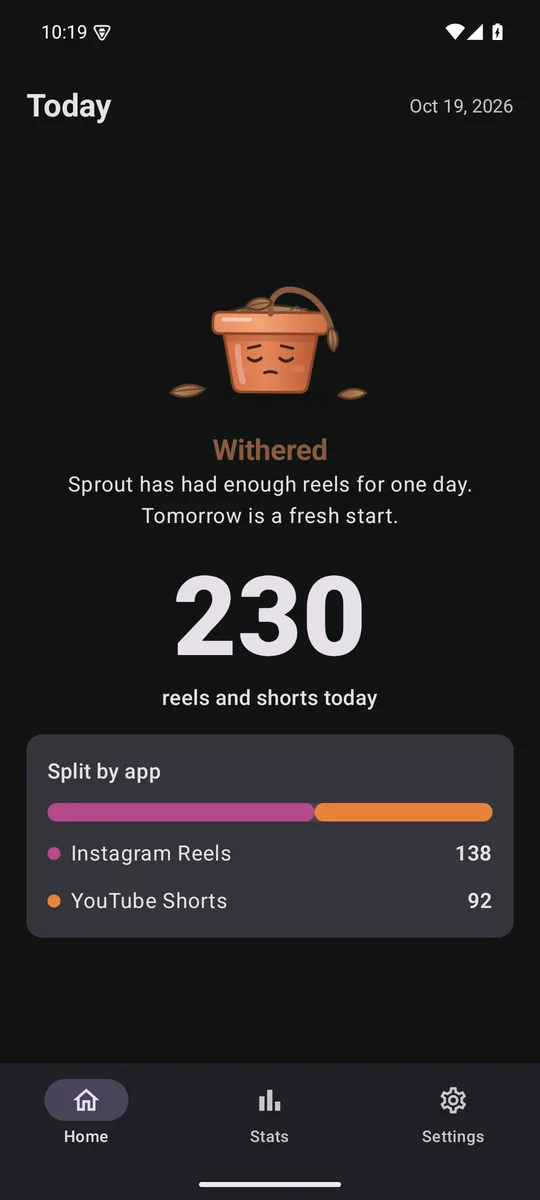
Unreel counts every reel and short you swipe past, live. Meet Sprout, a small plant that thrives when you scroll less and wilts as the count climbs. Set a daily limit and Unreel stops the feed for you.
Early preview. Reel detection is still being tuned for current Instagram and YouTube versions, so counts may not register on every device yet. What does that mean? Direct installs can be blocked by Play Protect in some countries; here's why.
Five moods, one plant. Sprout starts every day fresh and revives at midnight.
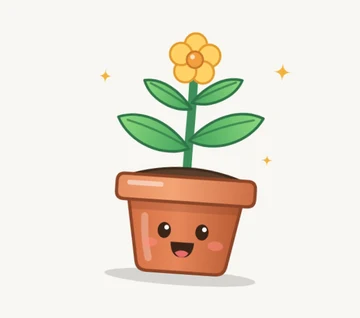 Thriving0+
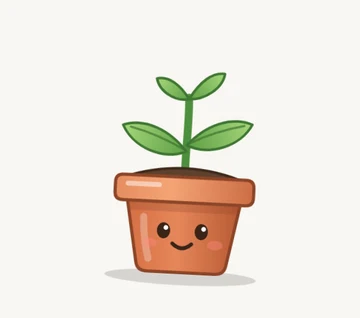 Perky50+
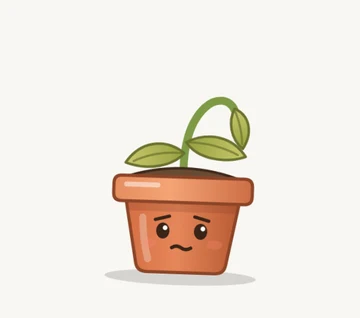 Drooping100+
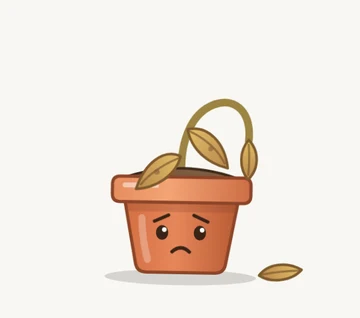 Wilting150+
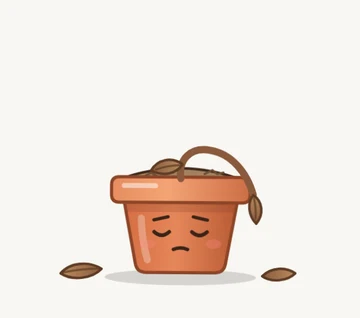 Withered200+
Every new Reel and Short adds one, as you swipe. Scrolling back to one you already saw doesn't count twice.
Tell Unreel roughly how long you scroll (and, if you like, what you earn) and see the hours, days and money it adds up to in a year, plus what you'd rather do with that time.
Pick your ideal daily time and it becomes your goal. Home and Stats show real time on reels, what it's worth, and your streak of days under goal.
A small counter sits on top of Instagram and YouTube, and only there. It stays exactly where you put it; lock it, resize it, or tap it for today's split.
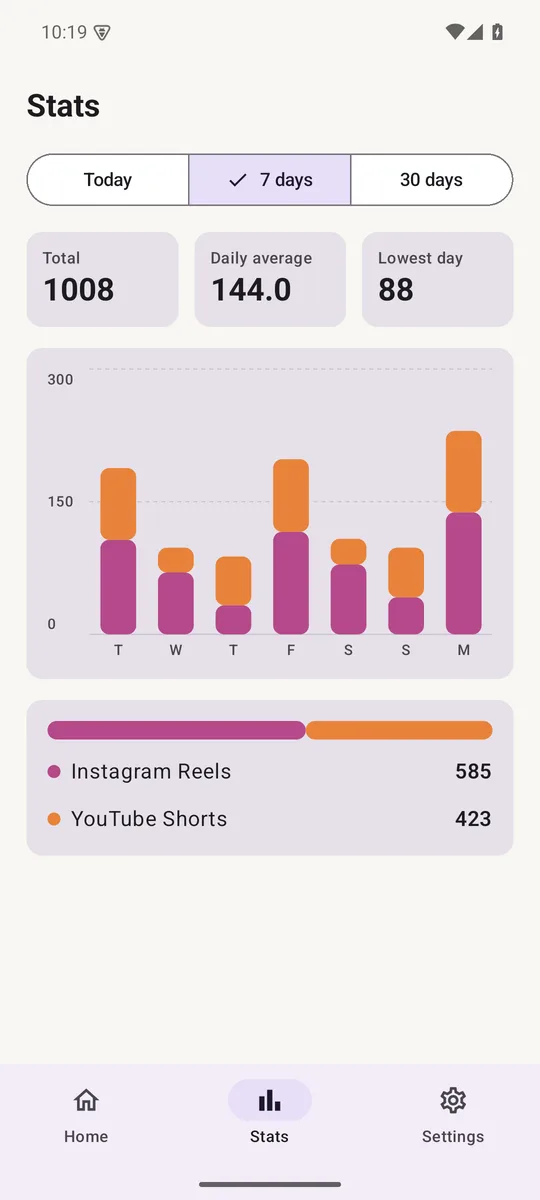
Today, 7 days and 30 days, split between Instagram Reels and YouTube Shorts, with your daily average and best day.
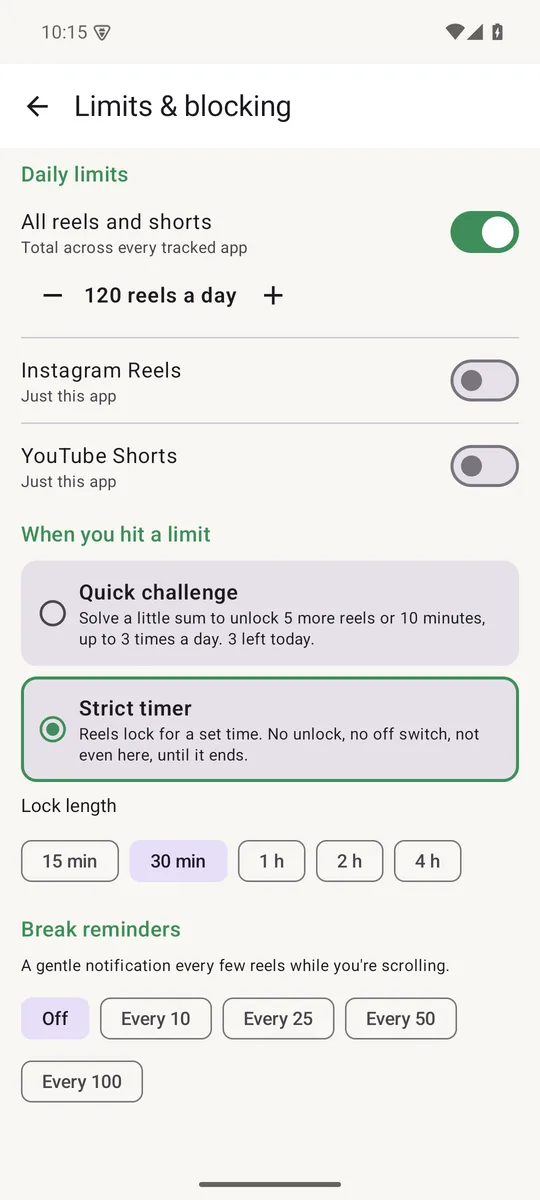
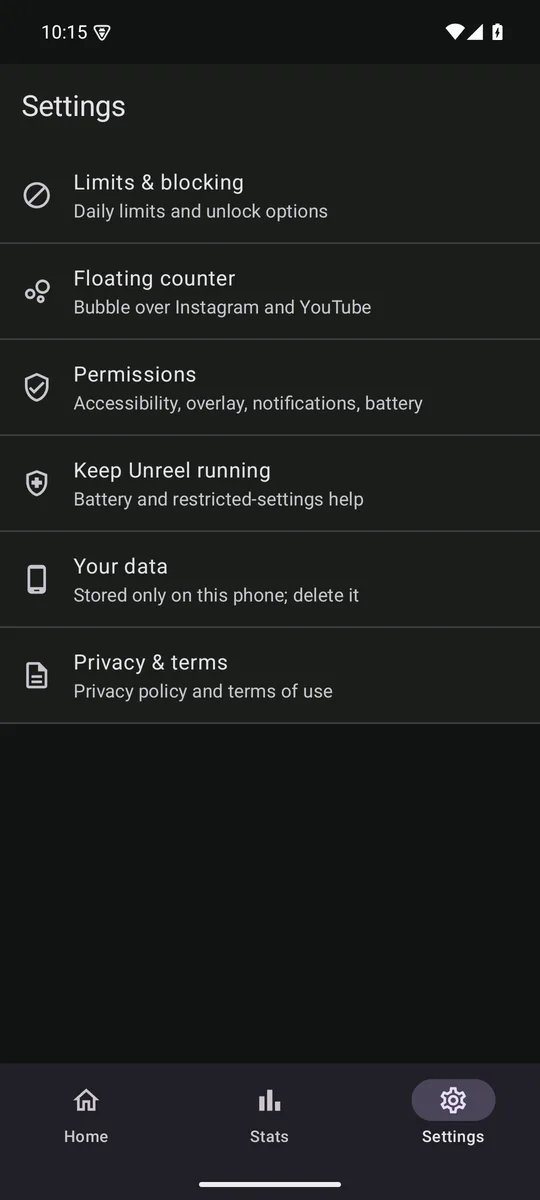
Set a daily limit for both apps or each one. When you hit it, Unreel covers the reel screen and sends you back. The rest of the app still works.
Solve a quick sum for five more reels, or pick a strict timer that can't be switched off until it ends, even after a restart.
A gentle nudge every 10, 25, 50 or 100 reels, so you notice before Sprout does.
Unreel has no accounts, no servers, no analytics and no internet permission at all. Your counts live on your phone, and you can wipe them in one tap.
Read the privacy policy →Tap Download APK on your Android phone and open the file.
If asked, let your browser or Files app install unknown apps, then tap Install.
Unreel explains exactly what it does, then walks you through the accessibility, overlay, notification and battery steps.
If Android says the accessibility setting is restricted: open Settings → Apps → Unreel, tap ⋮ (top right), choose Allow restricted settings, then turn Unreel on again. Android adds this step for apps installed outside the Play Store.
In some countries, Google Play Protect blocks any app that uses Android's accessibility service when it's installed from a browser, file manager or chat app instead of the Play Store. Unreel needs that service to notice the Reels and Shorts screens, so the direct download can be blocked on your phone. This isn't a problem with the file: you can check it against the SHA-256 below.
Unreel is coming to Google Play, where this block doesn't apply. Until then, if you're comfortable
with developer tools, you can install it from a computer over USB:
adb install unreel.apk.
SHA-256 of unreel.apk (v0.2.0):
e21953a5b63ca08cbb349951ec26b45ae053feecfd729bc9844bb0d1dcd3202e
Yes. Every feature, including limits, blocking, the strict timer and break reminders, is free. There are no ads and no purchases.
That's Google Play Protect's fraud protection. In some countries it blocks apps that use accessibility access when they're installed outside the Play Store, because that access is often abused by scam apps. Unreel uses it only to count reels and shorts, and works fully offline. See your options.
Unreel spots the Reels and Shorts screens from how Instagram and YouTube lay them out. Those apps change often, and detection is still being tuned on real devices. Until a tuned version ships, the counter may stay at 0 on some phones or app versions. Everything else (Sprout, stats, limits, settings) works today.
That's the only way Android lets an app know which screen of another app is showing. Unreel uses it only inside Instagram and YouTube, and only to tell whether the Reels or Shorts screen is open and when you move to a new one.
No. Only Instagram Reels and YouTube Shorts count.
Some phones (Xiaomi, Oppo, Vivo, Samsung, OnePlus and others) close background apps aggressively. In Unreel, open Settings → Keep Unreel running for steps specific to your phone.
In the app, go to Settings → Your data → Delete my data. Uninstalling Unreel removes everything too. Nothing is stored anywhere else.